
blog
No Power Light on KL-1? Solutions:
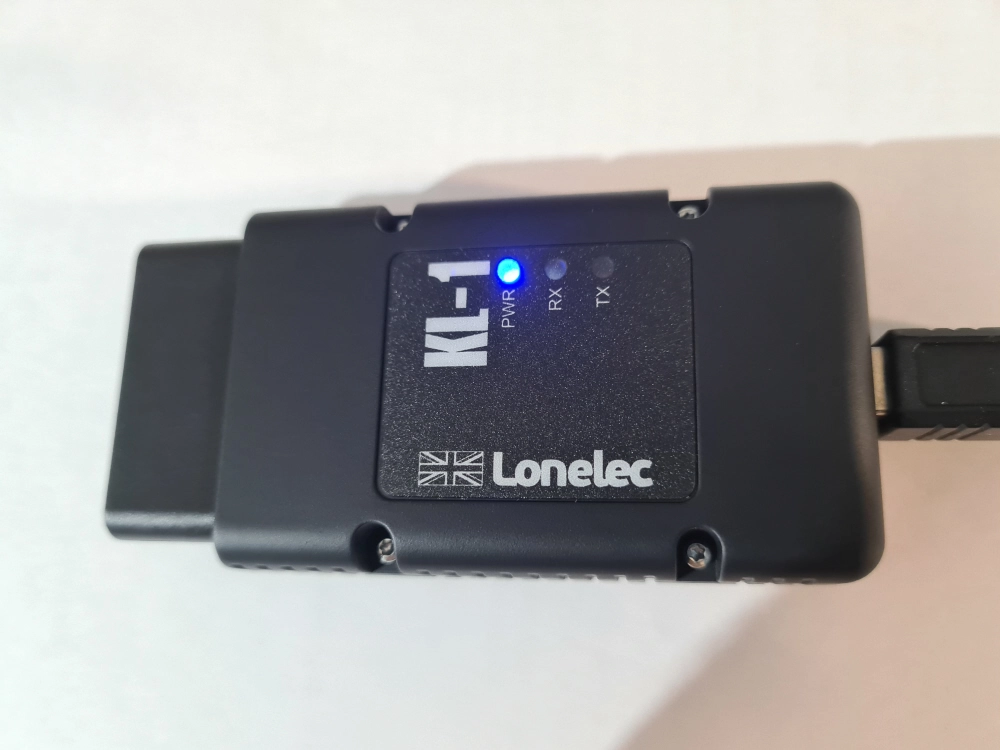
A common query we get in relation to the Lonelec KL-1 Interface, or even the KL-1TALIA, is the PWR (Power) LED is not lighting up when connected to the vehicle
 .
.
On the KL-1 the Power LED is illuminated via the USB connection to your phone or PC, NOT the 12v on the vehicle’s diagnostic socket. This is usually the confusion.
Power Light Doesn’t Come On When Connected To The Phone?
Power is only sent if the phone/tablet detects the KL-1 Serial Interface. To do this the phone/tablet must have the OTG feature. Most modern devices do. What is OTG? It stands for On The Go and automatically detects peripheral devices connected via the charging port.
If your phone/tablet does have OTG but the PWR light is still not coming on then it has not been enabled on your device. Go into your Android settings and search for any of the following keywords ‘OTG’ ‘Serial’ ‘USB’. This should get you to related settings and allow you to turn it on.
My Phone Worked Before With The KL-1?
OTG may have already been on. But on many new devices it goes to sleep after some time. Also with Android OS updates it can be turned off by default for energy saving.
If you need our Tuneecu Approved KKL interface then Click Here.
We also do all the adaptors – Click Here.
All relevant Tuneecu hardware can be found under this category – Click Here
That’s all there is to it. If you have any more questions, please get in touch using our contact form.
